


524WiFi™ Pulse P9024-4x4-TB-M2E Pro Plus is a Qualcomm QCN9024 M.2 E-Key radio module. Use this Linux workflow to confirm PCIe detection, the ath11k driver and firmware, then verify access point and station operation separately.
Start with the host and the exact module
The original walkthrough used Ubuntu 22.04 and a Linux 5.17.0 test build. Treat those versions as historical test context. For a new integration, choose a maintained distribution and kernel appropriate for the host, and verify support for the actual module and firmware combination. Confirm that the host or adapter exposes PCIe on the M.2 slot, fits the module and supplies the required power. Connect the intended antenna system before RF testing.
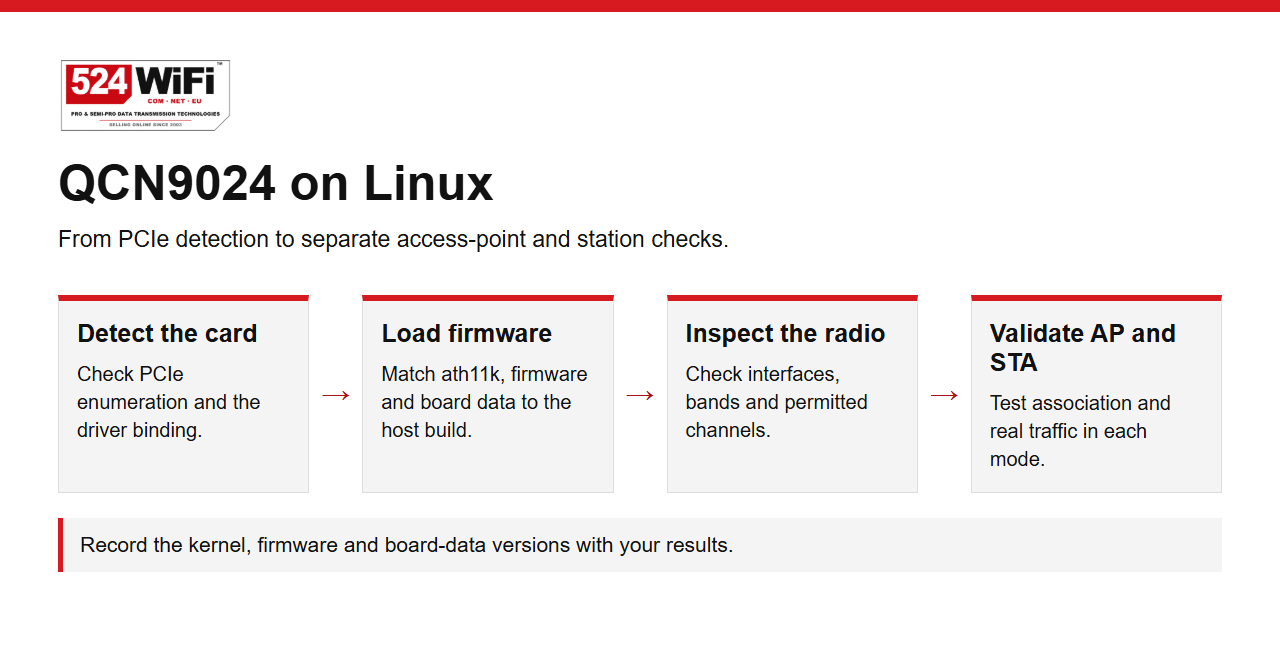
Confirm PCIe detection and driver binding
Use lspci -nnk to identify the wireless device and the kernel driver bound to it. On a custom kernel, enable the ath11k PCI option. Read dmesg or the kernel journal to confirm the driver initializes and to identify any firmware or board-data load errors. Use the firmware and board data for the exact hardware revision. Log the device identifier, kernel version and file versions so a result can be reproduced.
Check interface and channel availability
Use iw dev to list the wireless interfaces and iw phy to inspect the modes and channels reported by the radio. Confirm that the intended band, channel width and mode are available under the local regulatory domain and meet the installation requirements. Check each planned configuration individually.
Test access point and station independently
For AP mode, configure a separate lab SSID in hostapd. Connect a compatible client and verify association, address assignment and bidirectional traffic. For station mode, use your distribution's connection manager or wpa_supplicant and validate the same checks against a known-good AP. Repeat on each intended band, then record negotiated rate, measured throughput and any reconnects. Keep the host, firmware and test conditions with the results.
See the 524WiFi™ Pulse P9024-4x4-TB-M2E Pro Plus specification for the physical interface and radio configuration.